

/ Maintenance
Secured funds
Access a live board of verified property repairs. Review the job details, submit your bid, and win the work on your terms.
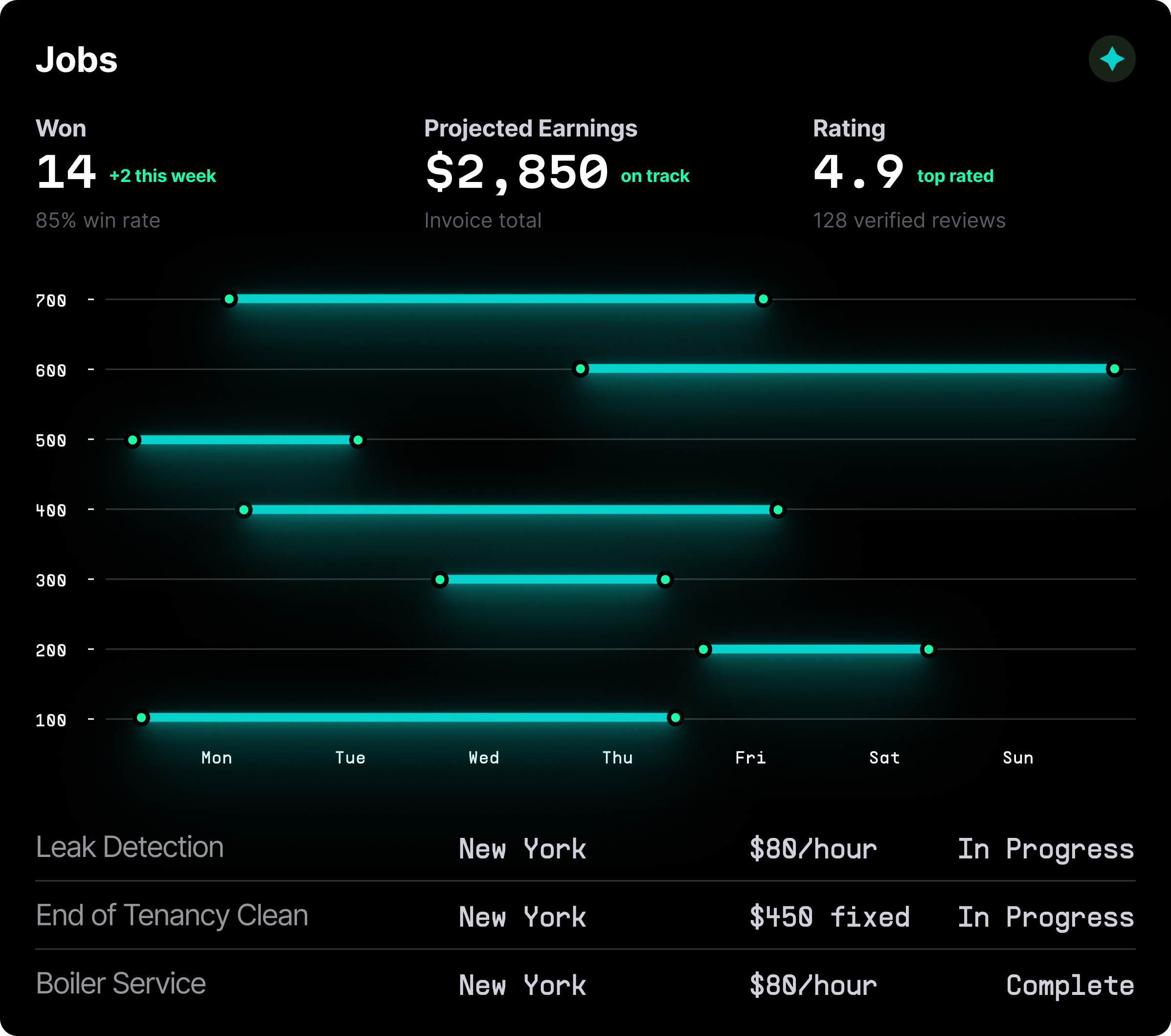
Browse real work orders and only pay a success fee when you successfully process an invoice.
/ For Trades
Get the job, get paid

Live Job Board
Filter by location and trade. View a live feed of active repair requests in your area. Open the ticket to see media and access constraints before you decide to bid.
Submit Your Bid
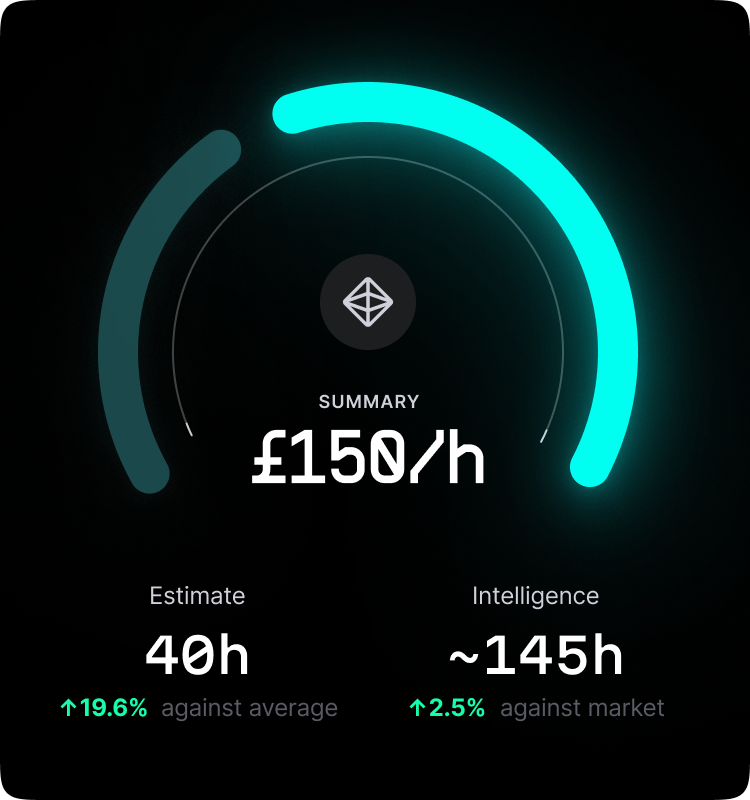
You set the price. Submit a fixed quote or an estimated range based on the job details. Include your "Earliest Availability" to win clients who need speed over price.
Secured Funds
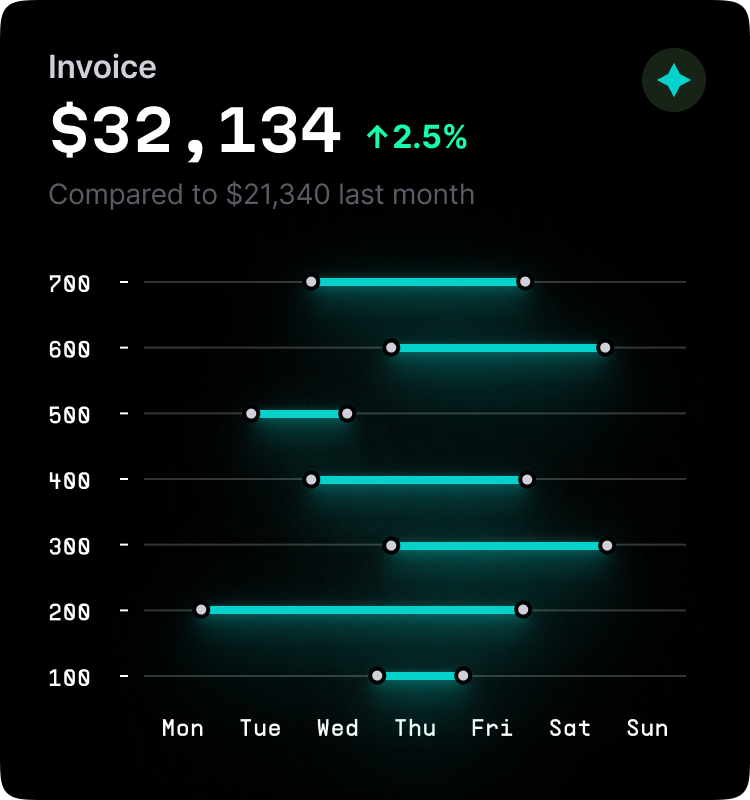
When your bid is accepted, the client's funds are reserved in the "Maintenance Float." You can start work knowing the money is already there waiting for completion.
/ Operational Tools
Quote accurately
We give you the data you need to bid without a site visit
Visual Triage
Don't guess. Tenants are required to upload video and photos of the issue. Use this evidence to diagnose the problem and price your materials accurately before you bid.

Counter-Proposals
Is the client's budget unrealistic? Submit a "Counter-Bid" with a note explaining why the job requires more labor or parts. Educate the client to win the contract.

Profile Reputation
Win on quality, not just price. Your profile displays your "Job Completion Rate" and "Tenant Ratings," helping you justify higher rates than the competition.

Smart Access
Once you win, access is automated. The system provides the "Key Safe Code" or digital credential for your booked slot, so you don't waste time collecting keys.

/ Instant book
Emergency rates
Sometimes clients can't wait for bids. Opt-in to "Instant Booking" for emergency work.

Set Your Rate Card: Define your hourly rate for emergency call-outs.
Auto-Accept: Allow pre-approved clients to book you instantly for jobs.
Premium Pricing: Benefit from automatic surge pricing during unsociable hours.

We are building a marketplace, not a dispatch centre. We give tradespeople the tools to price their expertise fairly and compete on value.

Vaibhav Pant
Founder & CEO
/ revenue growth
Grow your business


/ Frequently asked questions
Vendor Questions
Do I have to bid on every job?

No. You only bid on the work you want. You can ignore jobs that don't fit your schedule or expertise.
Can I see other bids?
No. The bidding process is sealed to prevent a "race to the bottom." You price the job based on your value.
Is there a fee?
We charge a small success fee only when you win the job and get paid. It costs nothing to browse or bid.
What if the job is different than described?
You can "Request Variation" in the app. The client must approve the new price before you proceed with the extra work.